
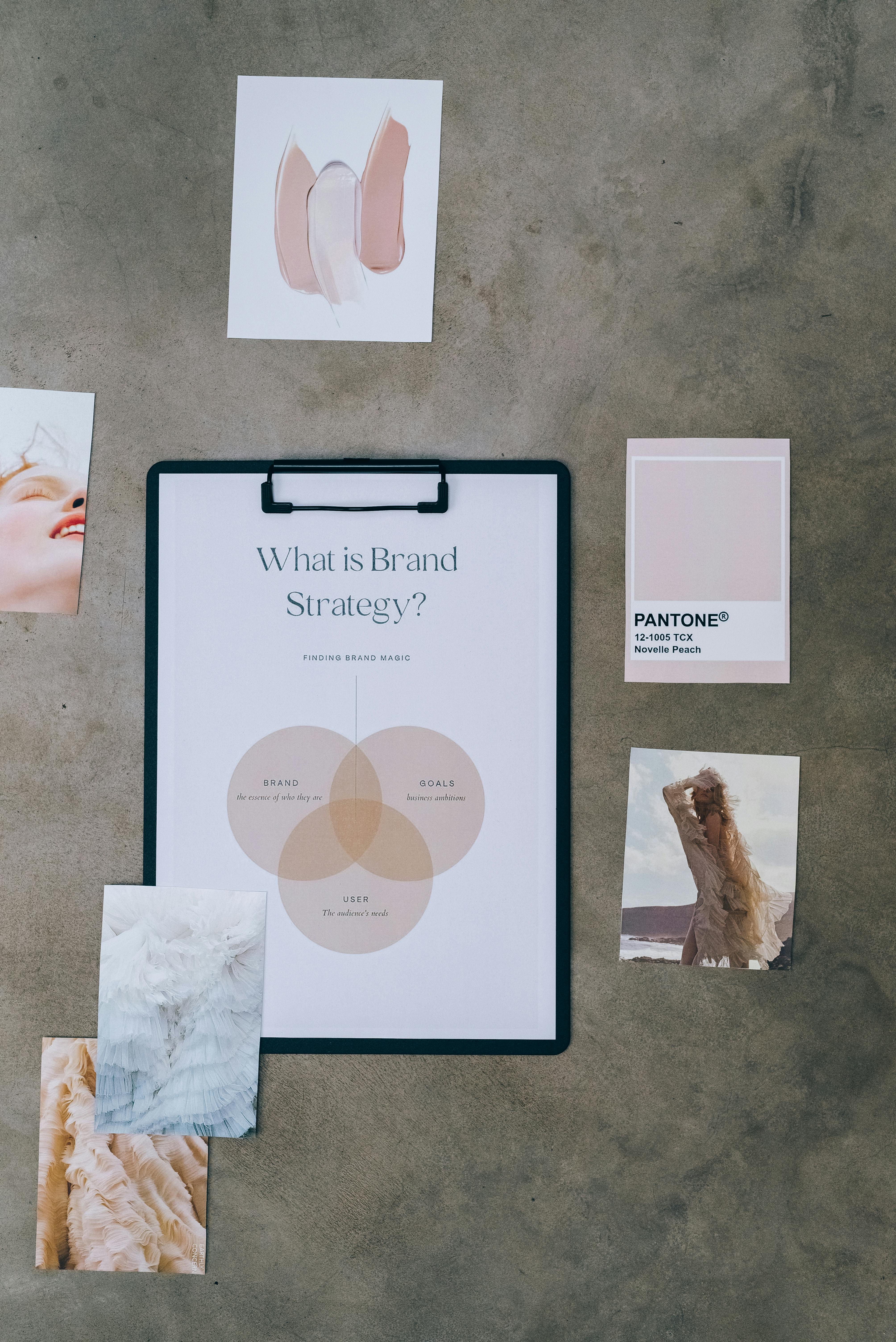

Colour does more work on your website than you probably realise
Most business owners think about website colour in terms of personal preference. They choose the shade of blue that feels right, match it to their logo, and consider the job done. What they rarely consider is how those colour choices are affecting the behaviour of every visitor who lands on the site.
Colour is not decoration. It is a communication tool that shapes perception, directs attention, triggers emotional responses, and either supports or undermines the credibility your website is trying to build. Getting it wrong has a measurable commercial cost that most businesses never connect back to the colour choices made during a website project.
The four ways colour affects your website performance
It shapes the first impression before anything is read
Within milliseconds of arriving on a page, a visitor has already formed a subconscious impression based largely on colour. Warm colours feel energetic and approachable. Cool blues and greens signal trust, calm, and professionalism. Muted, desaturated palettes communicate premium quality. Clashing or overly saturated combinations feel cheap and untrustworthy.
This reaction happens before a word of your content is processed. If the colour palette sends the wrong signal for your sector and audience, you are fighting an uphill battle from the first moment of contact.
It directs attention and drives action
The human eye is drawn instinctively to contrast. On a white background, a dark button stands out. On a dark background, a light one does. The colour of your call to action button relative to everything around it determines how visible it is and, directly, how often it gets clicked.
Buttons that blend into their surroundings because they are the same colour family as the rest of the page are consistently underperforming without the site owner ever knowing why. The fix is often a single colour change.
It signals sector fit and builds or destroys trust
Different industries have established colour conventions that visitors have absorbed through years of exposure. Financial services lean toward dark blue. Healthcare uses clean whites and greens. Luxury brands use black, gold, and minimal colour. Legal firms favour deep navy and charcoal.
These conventions exist because they work. A legal firm using a bright orange and yellow colour scheme creates a subconscious dissonance — the colours say something different to what the content is trying to communicate. Visitors feel this even when they cannot articulate it.

It affects readability and accessibility
Poor colour contrast between text and background is one of the most common and most damaging design mistakes on business websites. Light grey text on a white background might look elegant in a Figma mockup on a calibrated studio monitor. On a phone screen in bright sunlight, it becomes completely illegible.
Low contrast does not just frustrate visitors. It fails WCAG accessibility standards, which creates legal risk for businesses operating in regulated sectors and negatively impacts search engine rankings.
The mistakes that appear most often
Using too many colours is the most common issue on websites that have grown without a defined design system. Each time a new section was added, a new colour was introduced. The result is a site that feels visually chaotic and undermines the sense of a coherent, trustworthy business.
A well-defined colour system for a business website rarely needs more than a primary colour, a secondary accent, a neutral background, and a clear text colour. Constraints create consistency, and consistency builds trust.
Choosing colours that look good on screen without testing them in context is another consistent problem. A colour that works beautifully in isolation can create serious readability or contrast issues when applied to a real page with real content. Colour decisions should always be evaluated in the context of actual page layouts, not just swatches.
What to do if your current colours are not working
The starting point is an honest audit. Check your primary call to action button — does it stand out clearly against everything around it? Check your body text contrast ratio against its background using a free online contrast checker. Look at the full palette in use across the site and identify whether it feels coherent or accumulated.
In many cases, improving website colour does not require a full redesign. Adjusting the button colour, increasing text contrast, and removing two or three rogue colours that crept in over time can meaningfully improve both the professional impression the site makes and the rate at which visitors convert.
Colour is one of the highest-leverage, lowest-cost improvements available on any existing website. It is also one of the most consistently underestimated.